Elevation Data Quality Guide for BIM Site Models
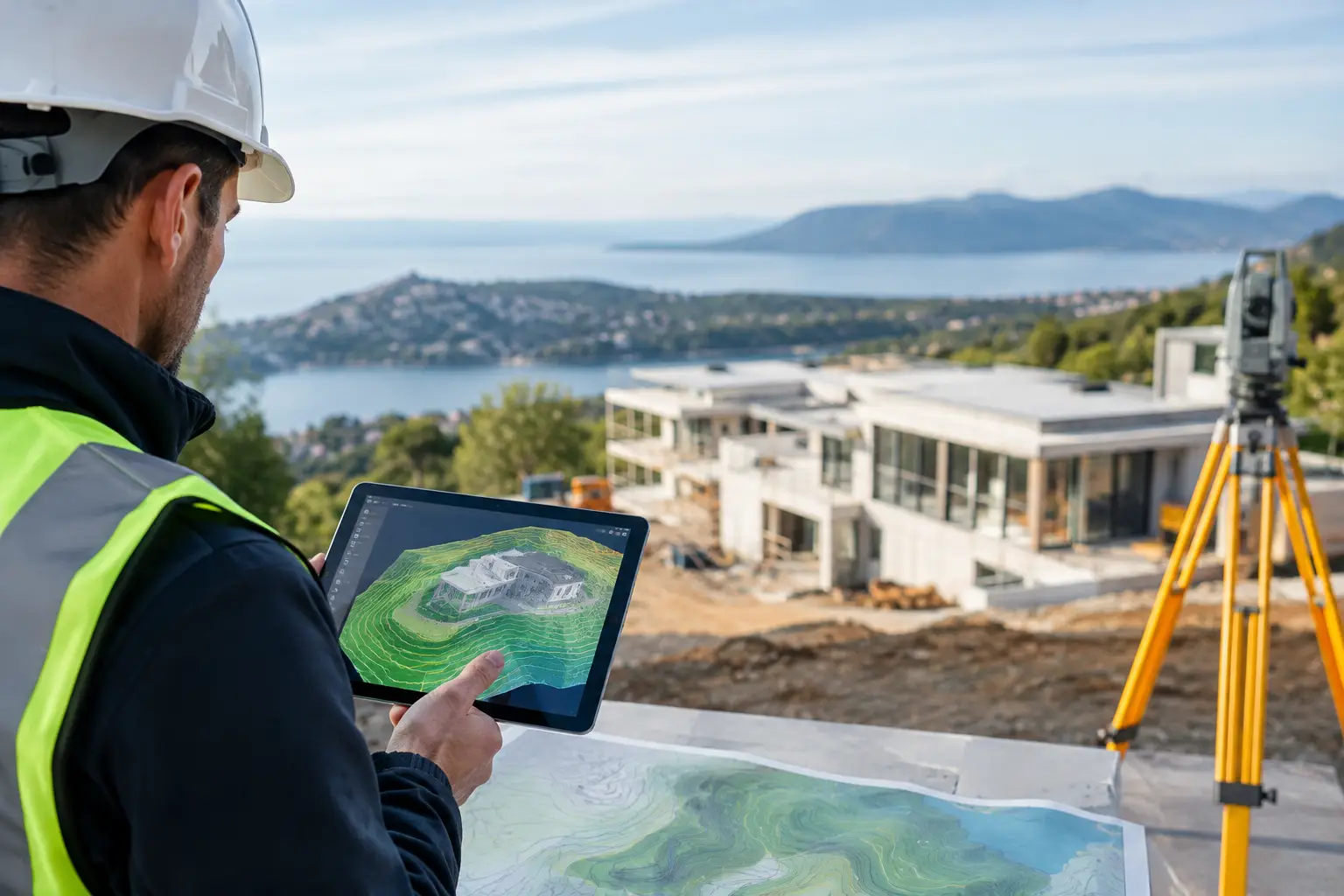
A terrain model can look convincing and still be wrong where it matters: at a threshold level, a drainage fall, a retaining wall, or the tie-in between an existing road and a proposed entrance. This elevation data quality guide explains what to check before elevation points enter Revit, SketchUp, Rhino, ArchiCAD or Grasshopper.
The goal is not to find the largest possible point cloud. It is to use data that is accurate enough, referenced correctly, and light enough to remain practical in the modelling environment. Those are related requirements, but they are not the same thing.
Start with the decision the terrain model must support
Elevation quality is always relative to use. A broad masterplan may only need terrain that communicates landform, ridges, valleys and likely drainage directions. A detailed planning model may need reliable spot levels around the building footprint. A construction package, however, requires a surveyed basis for setting out, grading and coordination.
Do not treat publicly available terrain data as a replacement for a site survey where contractual or construction-grade accuracy is required. National mapping, LiDAR and photogrammetry datasets are highly useful for early design, feasibility, option testing and context modelling. Their suitability reduces as the design question becomes more local and more consequential.
Before generating data, define three things: the area required, the intended model scale, and the smallest level difference that could change a design decision. If a 100 mm fall affects accessibility or drainage, a terrain source with a larger vertical uncertainty cannot answer that question confidently.
Assess the elevation data source first
The source determines far more than the file format. It affects how the terrain was captured, when it was captured, what sits on the surface, and how confidently it represents the ground.
LiDAR is often the strongest starting point for site terrain because it samples the surface densely and can distinguish ground classifications from buildings and vegetation where the source dataset provides those classifications. Its point spacing and vertical accuracy vary by survey programme, terrain type and processing method. A nominally high-resolution LiDAR dataset can still be unsuitable if it was captured before recent earthworks or if ground returns are sparse beneath dense tree cover.
Photogrammetry can provide useful terrain and surface information, particularly where current imagery is available. It may, however, describe roofs, tree canopies, parked vehicles and other visible objects rather than bare earth. Check whether the supplied product is a digital terrain model, representing ground level, or a digital surface model, representing the top of visible features. Confusing the two is a common cause of elevated site models.
Contour-derived terrain and broad national elevation grids are appropriate for regional context and early massing. They should be used cautiously near buildings, roads, ditches and embankments, where interpolation between sparse measurements can conceal sharp changes in grade.
Recency matters as much as resolution. A 2021 LiDAR capture may be technically precise but not reflect a new access road, regraded garden, flood defence or completed development. Review the capture date against known changes on site.
Resolution is not vertical accuracy
Point spacing describes how closely measurements are distributed across the site. Vertical accuracy describes how close those measurements are to the real-world elevation. They are often discussed together, but they answer different questions.
A dense dataset can produce a smooth, detailed-looking mesh while carrying a vertical error that is too large for threshold coordination. Conversely, a lower-density dataset may be adequate for a large landscape study if it captures the overall landform consistently.
Look for published vertical accuracy, usually expressed as an error tolerance or root mean square error. Also check the conditions behind the figure. Accuracy may be reported for open, hard ground and not for wooded slopes, long grass or complex urban surfaces. The reported value is a statistical measure, not a promise that every point will fall within that distance of the actual ground.
For BIM work, it is helpful to think in terms of level confidence. If the likely uncertainty is similar to the fall you are trying to design, do not use the terrain model alone to make that decision. Mark the area for verification or obtain a current survey.
Check coordinates and vertical datum before import
A terrain model can be internally consistent and still be misplaced by metres if its coordinate reference system is not understood. Horizontal coordinates establish where the points sit on the map. The vertical datum establishes what zero elevation means. Both must be recorded before conversion or import.
Do not assume that elevations labelled in metres use the same vertical reference as project survey information. Orthometric heights, based on a geoid or national vertical datum, differ from ellipsoidal heights used by satellite positioning. The difference can be substantial and varies by location. Mixing the two can shift an otherwise good terrain surface vertically across the whole model.
Confirm whether the file uses projected eastings and northings, latitude and longitude, or a local survey grid. Latitude and longitude are not practical XYZ coordinates for most BIM terrain workflows without transformation. A projected coordinate system in metres is normally easier to manage, provided the project team agrees the required zone and origin strategy.
In Revit, large real-world coordinates need particular care. Establish the relationship between the terrain data, shared coordinates and the internal project origin before creating a Toposolid. In Rhino, SketchUp and ArchiCAD, keep the source coordinate information available even if the working model is moved near the local origin for numerical stability. A clean model is useful; a clean model with no route back to survey coordinates is a coordination risk.
Inspect point density and remove what the model does not need
More points do not automatically create a better BIM model. Excessive density increases file size, slows triangulation and makes editing less predictable, while adding little useful information across flat or gently graded areas.
Retain points where the terrain changes direction or grade: tops and toes of slopes, swales, ditch lines, kerbs, retaining edges, banks and road crowns. Reduce points across broad uniform surfaces. This is controlled thinning, not arbitrary simplification.
A practical check is to compare the original points with the simplified surface at the features that matter. If the simplified mesh rounds off a drainage channel or removes a meaningful breakline, it has been reduced too far. If it preserves the intended landform and imports quickly, it is probably the better model for design work.
For a Revit Toposolid, a manageable XYZ or CSV file is generally more valuable than an unfiltered national point cloud. For Rhino and Grasshopper, higher density may be useful for analysis or custom surface generation, but only where downstream definitions and hardware can handle it.
Look for surface artefacts before trusting the mesh
Open the data in plan and section, not just in a perspective view. Artefacts that are hard to notice in a shaded model become obvious in contour lines, slope analysis and section cuts.
Typical problems include isolated high or low points, stepped bands from interpolation, triangular spikes at the boundary, bridges represented as ground, and vegetation remnants that survived ground classification. Urban sites also need scrutiny around walls, kerbs, building edges and narrow access routes, where automated processing may smooth across abrupt level changes.
Check the boundary as well. A terrain surface is less reliable at its edges because triangulation has fewer neighbouring points to work with. Include a sensible buffer around the actual design area, then crop the model after the terrain has been generated. This reduces artificial edge slopes at the limits of the site.
A practical elevation data quality workflow
Use the same checks for every new site so assumptions are visible to the project team:
- Define the design question and the level of accuracy it demands.
- Record the source, capture date, data type and stated horizontal and vertical accuracy.
- Confirm the coordinate reference system and vertical datum against the project survey strategy.
- Review points in plan and section for vegetation, structures, outliers and missing ground.
- Thin or filter the data while preserving grade breaks and drainage features.
- Import a test area into the target software, then check location, units, elevations and model performance before creating the full terrain.
A browser-based workflow such as Topo-grapher can reduce the GIS handling between selecting a site and downloading clean XYZ terrain points. It does not remove the need to assess source quality and project coordinates, but it makes those checks easier to apply within an ordinary BIM workflow.
When to stop relying on public elevation data
There is a clear handover point between useful design context and survey-controlled information. Obtain a current topographical survey when levels govern planning compliance, accessible routes, flood thresholds, retaining structures, drainage design, cut-and-fill quantities or construction setting out. The same applies where the site has changed since the available capture date or contains dense vegetation and complex built edges.
Treat public terrain data as a fast, editable base for asking better questions early. Then use those questions to specify the survey information the project actually needs. That approach avoids both false precision and unnecessary delay, while keeping the terrain model useful from the first feasibility option onward.