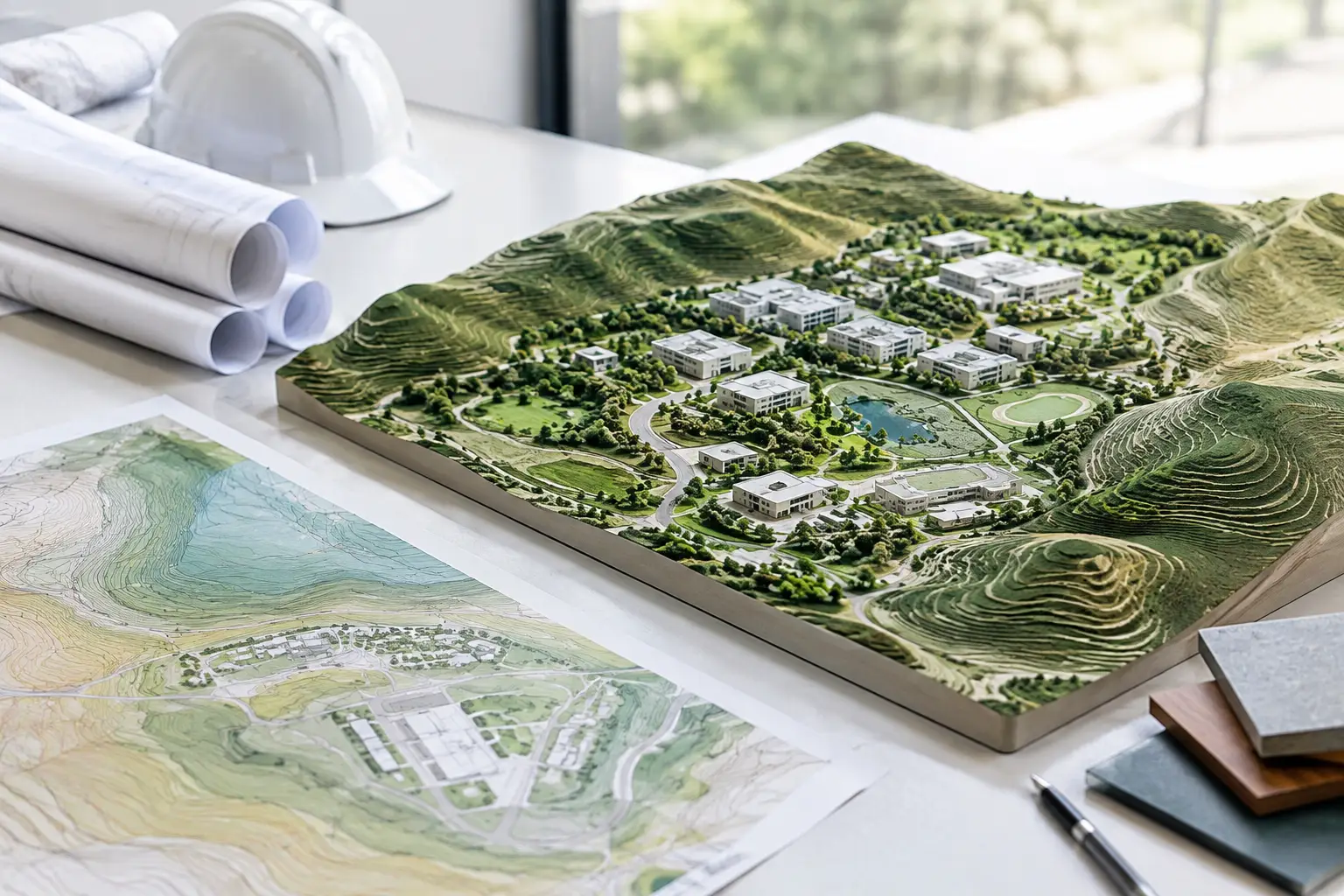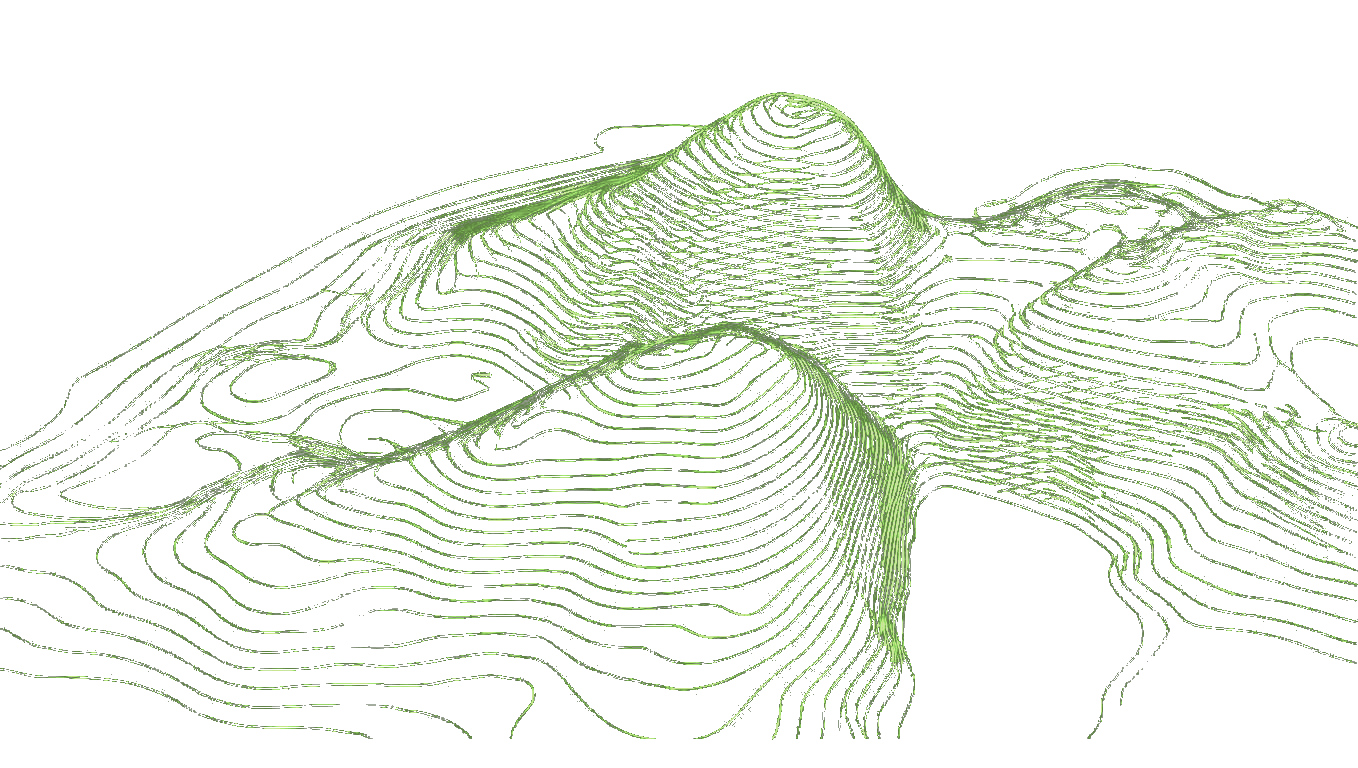
Site Grading: Terrain Models You Can Trust
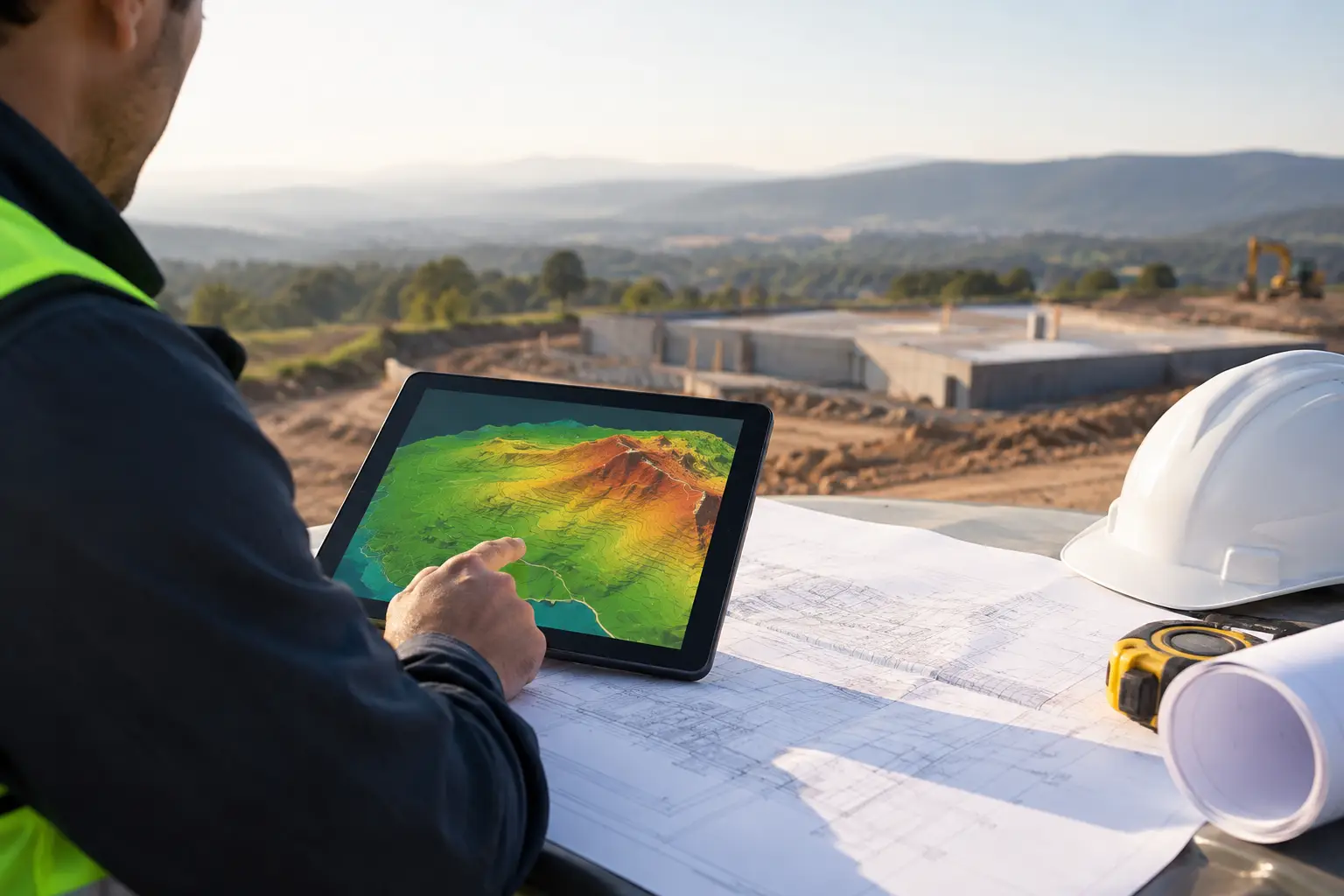
A site grading model can look convincing and still be wrong where it matters: at the building threshold, along an accessible route, or at the low point where water will collect. Before adjusting contours or proposing finished levels, establish whether the terrain beneath the model is accurate, traceable and usable in the software where the project is being designed.
For architects and landscape teams, site grading is not a civil-engineering exercise that begins at planning submission. It starts much earlier, when a real-world site is converted into editable terrain data and brought into Revit, SketchUp, Archicad, Rhino or Grasshopper without losing coordinates, scale or vertical logic.
What site grading actually controls
Site grading is the intentional shaping of land to achieve drainage, access, building interfaces and usable external space. Existing ground levels describe what is there; proposed grading describes what the design needs the land to do.
That distinction is fundamental. A terrain model built only for presentation may tolerate broad contours and visual smoothing. A model used to set floor levels, test ramp gradients or coordinate retaining walls cannot. It needs enough resolution to reveal local changes in level, while remaining light enough to edit and share.
Grading decisions are interconnected. Raising a finished floor level may reduce flood exposure, but it can increase the amount of fill, alter approach gradients and create a more substantial edge condition. Flattening a terrace can improve useability but may require falls, gullies or retaining structures to prevent water being directed back to the building. The right answer depends on the site, the brief, local requirements and the level of design certainty.
Start with an existing-ground model you can interrogate
The fastest route to poor grading is to begin with an approximate terrain surface. Web terrain viewers and aerial models are useful for orientation, but they do not necessarily provide editable points, documented vertical accuracy or a dependable coordinate reference for BIM coordination.
Use terrain data sourced from authoritative mapping, LiDAR or photogrammetry where available, then retain the original coordinate system and units. For early design, a clean XYZ point set is often more practical than a heavy GIS file because it can enter the modelling environment directly. The objective is not to import every available point. It is to create a terrain surface that represents the site clearly enough for the decisions being made.
With Topo-grapher, a team can draw a boundary, generate terrain data for that defined area and download an XYZ or CSV point set for model creation. This removes the GIS conversion step, but it does not remove professional judgement. Check the source, coverage date, point spacing and vertical reference before treating the output as a basis for setting critical levels.
Match point density to the decision
A large masterplan and a tight urban infill plot need different terrain models. Too few points can erase a swale, kerb line or local slope. Too many points can make a Revit Toposolid slow to regenerate and difficult to edit.
For a broad feasibility model, a simplified surface may be appropriate. For a building entrance, retaining edge or drainage route, use a smaller site boundary or a denser local dataset. It is often more efficient to keep an overall terrain model light and create a separate detailed study area where grading needs closer control.
Do not confuse dense data with surveyed control. Public elevation datasets are valuable for early-stage context, massing, option testing and broad level strategy. They may not capture recently altered ground, covered features or small built elements reliably. A topographic survey remains necessary when final design, legal boundaries, construction setting-out or precise drainage design depends on measured site conditions.
Build the terrain before you propose levels
Once the point data is imported, inspect the existing surface before designing over it. In Revit, create a Toposolid from imported points or use a CSV workflow, then review contours and spot levels in plan and section. In Rhino or Grasshopper, build a surface from XYZ data and test it with section cuts, slope analysis and sampled points. In SketchUp and Archicad, the same principle applies: verify the surface, not just the appearance of the mesh.
Check three things early. First, confirm units and coordinate placement. A metres-versus-millimetres error can make an otherwise sound dataset unusable. Second, verify the vertical datum and any project benchmark. A terrain model can be internally consistent yet sit at the wrong elevation relative to survey information or civil drawings. Third, inspect obvious control locations such as road edges, plot corners and known thresholds.
This is also the point to remove what does not belong in the terrain. Depending on the source, elevations may represent vegetation, bridges, buildings or other features rather than bare earth. A clean ground model should describe the landform that supports the proposed design, not every object detected above it.
Set grading priorities in the right order
Design teams often start by manipulating contours around the building. A more reliable approach begins with fixed constraints, then works outwards. Establish the building datum and key thresholds first. Next resolve legal or practical access points, including footways, vehicle entries and existing road levels. Then shape external zones, drainage paths and transitions to adjoining ground.
This order makes conflicts visible. If the proposed floor level is fixed, the accessible entrance route may determine the required run length or landing arrangement. If a boundary must remain close to its existing level, that may set the height and location of a retaining condition. If surface water must be kept away from the façade, the immediate perimeter needs positive falls before the wider landscape can be resolved.
A useful rule is to test levels in section as frequently as in plan. Contours can make grading feel resolved while concealing an abrupt grade change, an impractical retaining wall or a ramp that exceeds the intended gradient. Place sections through entrances, paths, service routes, terraces and low points. These are where the terrain model becomes a coordination tool rather than background geometry.
Test drainage as geometry, not annotation
Drainage notes are not a substitute for grade. The proposed surface must show where water is expected to move, where it can slow or infiltrate, and where it must be collected. Even at concept stage, identify high points, low points, overland flow routes and any areas where water could be trapped against the building.
Small changes can have disproportionate effects. A paving fall that works across a courtyard may conflict with a level threshold. A planted swale may reduce runoff but require enough depth, width and outfall capacity to function. A retaining wall may solve a level change while creating a drainage condition behind it. Model these relationships early, then involve the appropriate civil, drainage and landscape specialists as design certainty increases.
Keep existing and proposed surfaces separate
Do not overwrite existing terrain with proposed grading. Maintain a clear distinction between existing ground, proposed ground and any demolition or temporary-work assumptions. This makes it easier to compare cut and fill, explain design intent and update one surface without corrupting the other.
In a BIM workflow, name surfaces consistently and document the source and date of the terrain data. Record the coordinate reference system, vertical datum, point spacing, processing steps and any manual edits. This is not administrative overhead. It prevents a common coordination failure: two teams working from visually similar terrain models that have different origins, elevations or extents.
Where the project requires cut-and-fill quantities, use them cautiously at early stage. They are useful for comparing options, but their reliability depends on the existing-ground source, proposed-surface definition, boundary assumptions and whether topsoil, rock excavation or disposal factors are included. A number without those assumptions is not yet a cost plan.
Know when the model has reached its limit
Terrain data can accelerate design, but it should not be asked to prove more than it can. Move from public or remotely sensed data to a commissioned survey when decisions become sensitive to centimetres, when existing drainage infrastructure must be located, or when the site has complex vegetation, recent earthworks or dense urban constraints.
The value of the early model is that it exposes those risks sooner. A dependable existing-ground surface lets the team ask better questions before a detailed survey, rather than waiting until late coordination to discover that a threshold, path or drainage strategy has no workable level relationship.
Treat site grading as a live design system. Keep testing levels as the building, landscape and engineering proposals evolve, and make every terrain update traceable. That discipline turns site data into decisions the project team can act on.