Landscape Architecture Terrain Files That Work

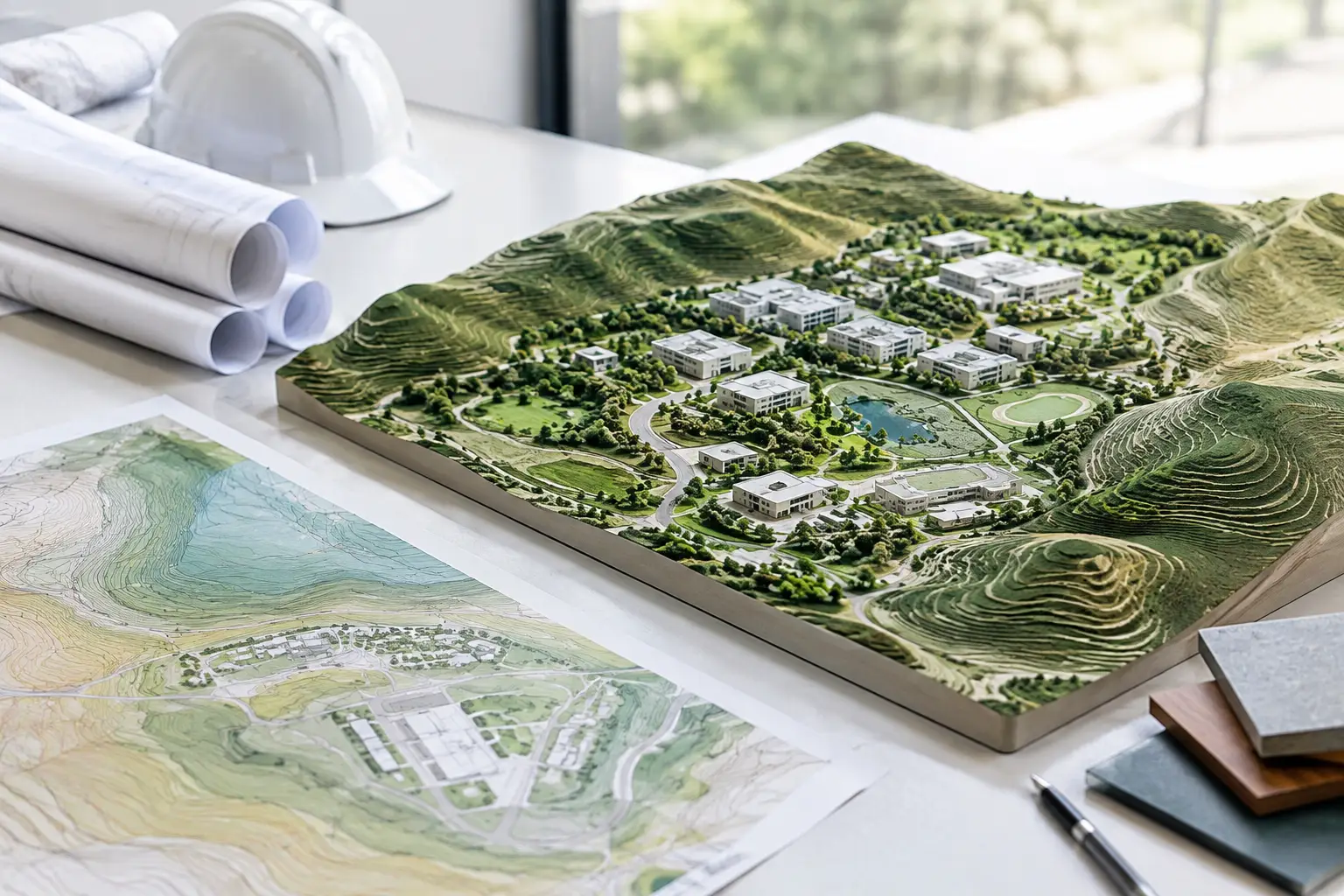
A terrain model can look convincing and still be useless for design. If the surface has no dependable levels, arrives in the wrong coordinate system, or contains far more points than the authoring model can handle, it will not support drainage studies, retaining-wall levels, accessibility routes or civil coordination. Landscape architecture terrain files need to be editable technical inputs, not just attractive context.
For landscape teams, the useful question is not simply whether a terrain file represents the site. It is whether the file gives the model enough fidelity to make decisions at the scale currently required, without creating unnecessary modelling work or a slow BIM file.
What landscape architecture terrain files need to contain
A workable terrain dataset starts with three things: horizontal coordinates, elevation values and a known coordinate reference. XYZ point data is often the most direct format because each row describes a real-world location using X, Y and Z values. It can be imported, checked and converted into a terrain surface in most modelling environments.
The quality of that data matters more than the visual smoothness of a web terrain viewer. Official national mapping, LiDAR and photogrammetry sources can provide measured elevation data, but the source, capture date and resolution still affect what the model can reliably show. A broad LiDAR dataset may be appropriate for early massing and catchment review, while a detailed survey remains necessary where finished levels, kerbs, steps, thresholds or construction tolerances are being set.
The file should also describe the ground rather than accidental objects on it. Trees, vehicles, roofs and other above-ground returns can distort a surface if the source is not classified or filtered as ground data. For a landscape model, a clean terrain surface is normally more valuable than raw point density.
Coordinates are part of the design information
Terrain is frequently imported at a convenient local origin and then treated as if it were geographically reliable. That can create problems later when the architectural model, civil drawings, survey information and utilities data need to align.
Keep the coordinate system explicit from the first export. Confirm whether the values use a projected national grid, a local engineering grid or another reference system. Check the vertical datum as well. A difference between orthometric heights and ellipsoidal heights can produce an apparent level error that no amount of surface editing will solve.
For small concept studies, a local model may be sufficient. For projects involving public realm interfaces, existing drainage, phased work or consultant coordination, real-world coordinates are usually worth preserving. The effort is minor at the outset and avoids a difficult re-positioning exercise when the project becomes more detailed.
Match point spacing to the landscape decision
More points do not automatically produce a better terrain model. In Revit, for example, excessive point counts can make a Toposolid slow to generate, edit and regenerate. In SketchUp or Rhino, a dense mesh can become cumbersome before it reveals any useful additional landform.
Point spacing should follow the purpose of the model. A 5 m or 10 m spacing may be enough for regional studies, large masterplans and early site understanding. A 1 m to 2 m spacing can be more suitable for a building plot, access route or visible landform. Sub-metre data can help where subtle slopes matter, but it should be used selectively and assessed against the source accuracy.
Do not confuse point spacing with vertical accuracy. A dense grid sampled from less accurate elevation data can create a highly detailed-looking surface that implies false confidence. Conversely, a well-sourced dataset at moderate spacing may be entirely appropriate for concept design.
Use a smaller boundary before increasing density. If the immediate work concerns a courtyard, entrance sequence or proposed terrace, generate the detailed terrain only for that working area. Retain a lighter surrounding model for wider context. This approach keeps file sizes sensible while allowing the design team to read local gradients where they matter.
Build the terrain file around the site boundary
The most efficient workflow begins with a defined area rather than a generic terrain download. Draw the project boundary as a polygon or rectangle, enter coordinates, or search for the site. Include enough land beyond the proposed work to understand inflows, outfalls, adjacent roads and the visible horizon, but avoid exporting a whole district for a small intervention.
A sensible boundary often includes the property, the immediate frontage, access routes and any land that influences drainage. On a sloping site, extend uphill and downhill far enough to understand how water moves through the wider landform. On an urban infill site, the boundary may instead need to include adjoining thresholds and pavement levels.
Once the boundary is set, generate an XYZ dataset at an appropriate spacing. A platform such as Topo-grapher removes the GIS step by retrieving available elevation data and preparing clean, editable point files for BIM workflows. The value is not merely speed. It is the ability to start with a defined site area, retain usable coordinates and choose an export that matches the modelling task.
Before importing, open the CSV or XYZ file in a spreadsheet or text editor and inspect a few records. Confirm that the columns are X, Y and Z, that decimal separators are interpreted correctly, and that the elevation range is plausible. A quick check can identify swapped axes, metres-versus-feet errors or an incorrect delimiter before they enter the project model.
Importing terrain into common modelling workflows
Each application treats terrain differently, so the cleanest file is not always the same as the final surface.
Revit Toposolids
For Revit, import points into a Toposolid using the relevant Create from Import workflow, depending on the Revit version and project setup. Use a manageable point count first. If the imported surface is heavy, increase point spacing or divide the terrain into logical areas rather than forcing the entire source dataset into one element.
Set up shared coordinates before placing the terrain where consultant alignment is expected. Then check known levels against the survey information available to the project. Revit is useful for grading concepts, cut-and-fill discussions and building-to-site relationships, but it should not be treated as a replacement for detailed civil grading design.
SketchUp, Rhino and Grasshopper
In SketchUp, XYZ data is commonly converted into a triangulated mesh through an import extension or intermediate workflow. Keep the mesh light enough to edit, then use separate geometry for proposed grading rather than repeatedly remeshing the existing ground.
Rhino and Grasshopper give more control over point handling. Import the points, verify their coordinate scale, create a surface or mesh, and assess it in section before using it for analysis. Grasshopper is particularly useful when comparing existing and proposed ground, calculating slope bands, or testing accessible routes, provided the underlying terrain data is understood.
Archicad and interoperable exports
ArchiCAD Mesh workflows can use imported point data to establish existing levels, while IFC and DXF point exports can support coordination where a direct XYZ route is not preferred. The best format depends on the receiving discipline. XYZ remains a practical source format because it is transparent and adaptable; IFC is useful when model structure and coordination matter; DXF point data can suit CAD-based consultant workflows.
Check the terrain before relying on it
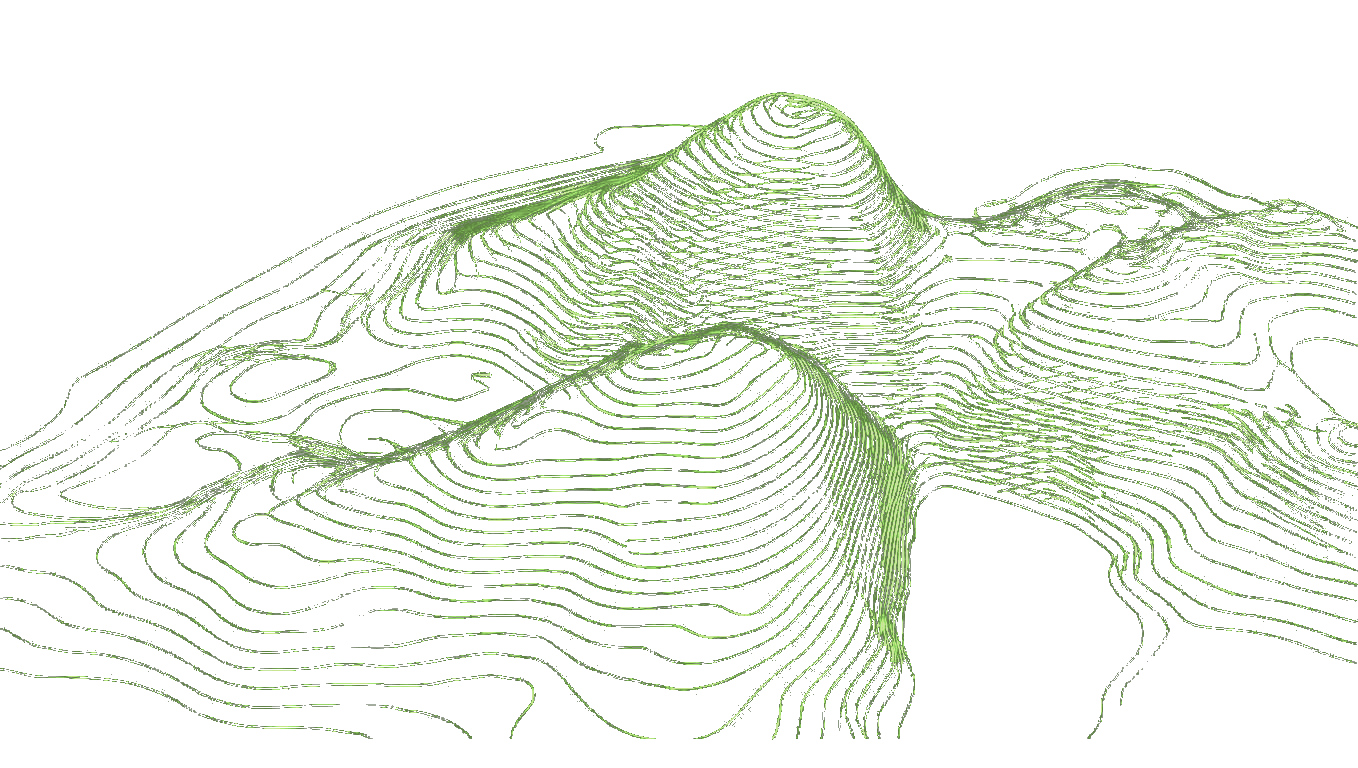
A terrain file should be reviewed in plan, perspective and section. Perspective catches obvious spikes and gaps, but sections expose the problems that affect design decisions: an unexpected ridge across an access route, a sharp break near a building threshold, or a surface that does not meet the adjacent highway level.
Compare several elevations with known survey points, published spot levels or reliable project information. Also inspect the edges of the dataset. Terrain generated from a clipped boundary can form abrupt vertical sides, which are acceptable for a working model but should not be mistaken for actual landform.
Keep existing terrain and proposed terrain separate. Existing ground is a record of the source data and should remain available for comparison. Proposed grading is design geometry, subject to revision and coordination. Mixing both into one editable surface makes cut-and-fill review, planning visuals and design responsibility harder to manage.
Use terrain as a decision tool, not a background object
The best landscape architecture terrain files do not try to answer every construction question at once. They provide a controlled, coordinate-aware starting point for testing levels, routes, landform and drainage logic in the same environment as the building model.
Start with the smallest area and point density that can support the next decision. As the project moves from feasibility to detailed design, refine the terrain where the design risk justifies it, and bring in surveyed information before tolerances become critical. That keeps the terrain model useful throughout the project rather than turning it into a heavy background object nobody trusts.