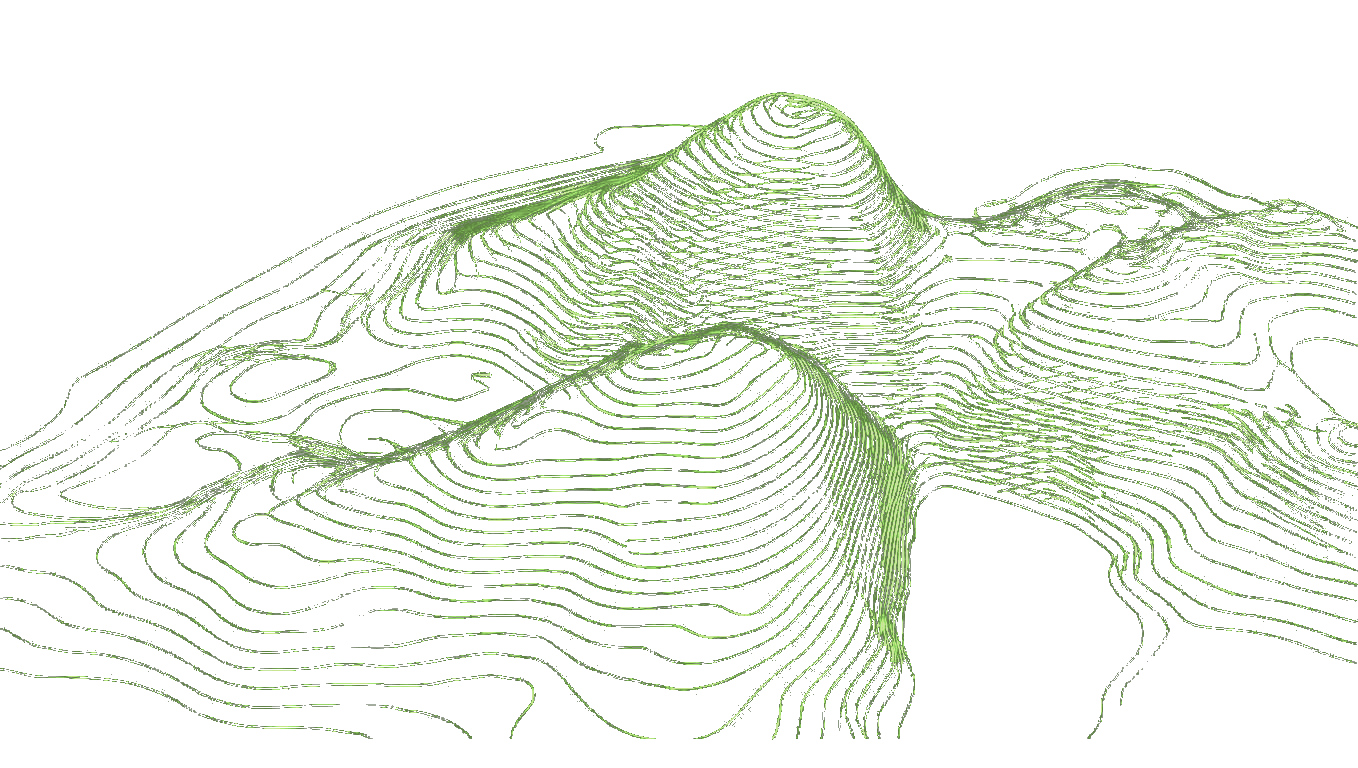
Campus Masterplan Terrain Modelling Example
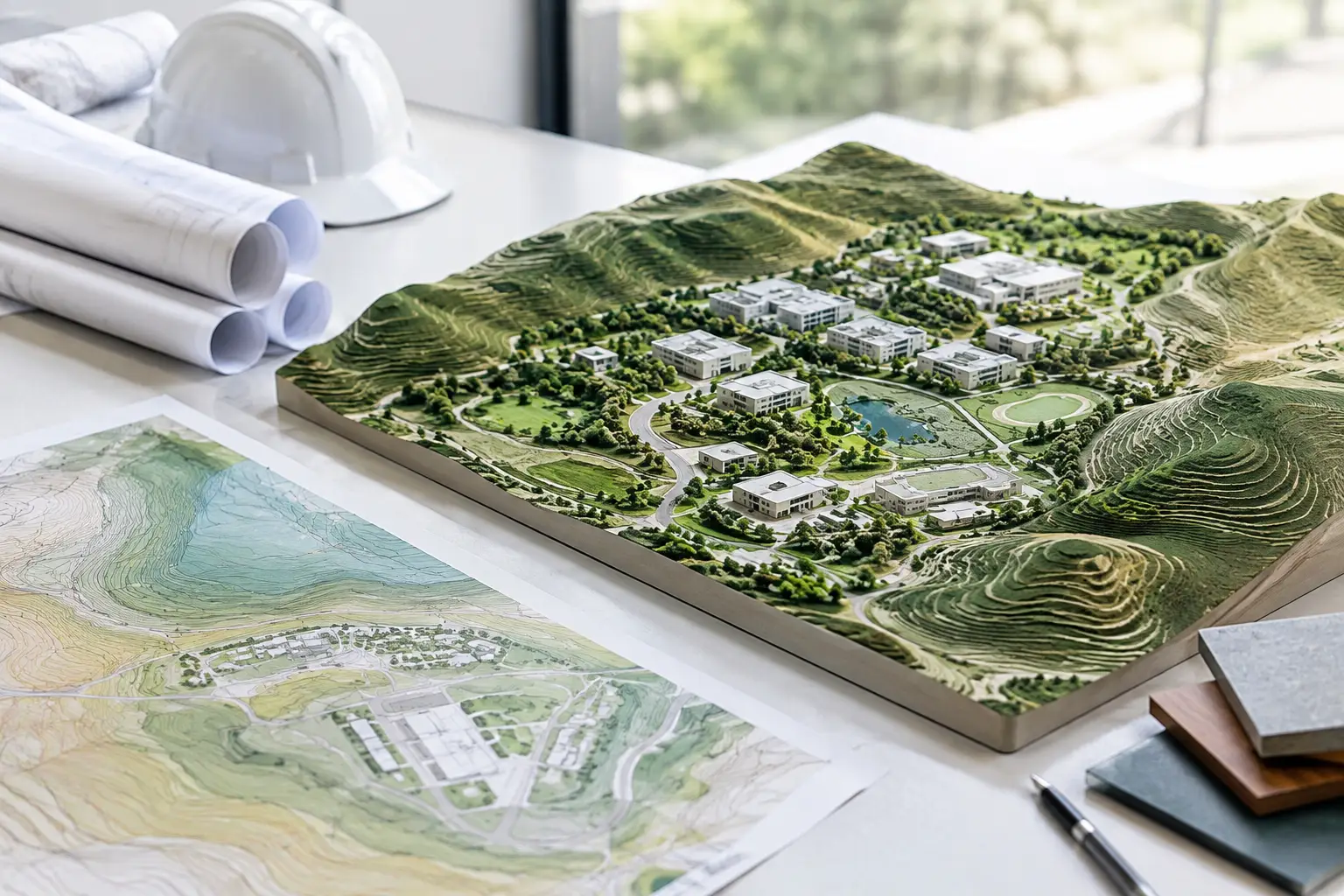
A campus masterplan terrain modelling example becomes useful when it tests decisions that a flat base plan conceals: whether a new faculty building can meet an existing path, where accessible routes begin to exceed workable gradients, and how runoff moves between buildings. For a multi-building site, terrain is not presentation context. It is the common reference for early massing, landscape design, levels, drainage and civil coordination.
Consider a 28-hectare university expansion site. The brief includes two teaching buildings, student housing, a mobility hub, sports pitches and a public landscape spine. Existing buildings sit on the northern edge, while the land falls approximately 18 metres towards a watercourse in the south-east. The design team needs a usable terrain model before deciding road alignments or finished floor levels.
Campus masterplan terrain modelling example: the starting data
The first task is to define the area that affects the scheme, not merely the red-line boundary. For this example, include the proposed campus footprint, existing arrival roads, adjacent footpaths, the downstream watercourse and enough land uphill to understand incoming surface flow. A terrain boundary that stops at the plot edge often creates false falls and hides the context needed for grading decisions.
Draw the boundary on a map, enter known coordinates, or search for the site location. Generate elevation data from the best available official mapping, LiDAR or photogrammetry source, then inspect the stated source, coordinate reference system and point spacing before modelling. These details determine whether the data is suitable for design coordination rather than simply visual reference.
For a campus model, the terrain dataset should remain in real-world coordinates. Moving it close to the software origin may improve model performance, particularly in Revit or Rhino, but that shift must be controlled and documented. Keep a known survey point, project base point or local coordinate transform so the design model can return to the civil engineer's coordinates without guesswork.
Set the point density for the design question
Point spacing is a trade-off. Very dense LiDAR-derived data can capture kerbs, ditches and small changes in ground form, but importing every point into an architectural authoring model can make the file slow and difficult to edit. Sparse data keeps the model responsive but may smooth out channels or embankments that matter to drainage and access.
For early campus massing, a decimated terrain surface is normally sufficient. Use it to establish broad contours, building pads, primary roads and level changes. Retain a higher-density source file for focused studies around building entrances, retaining walls, sports pitches, swales and accessible paths. The aim is not to use the maximum number of points. It is to use enough points to represent the decision being made.
Build the base terrain in BIM software
Download a clean XYZ or CSV point file, then create the terrain in the modelling environment used by the team. Topo-grapher is designed for this hand-off: the platform converts a selected site into editable terrain points instead of supplying a static web view.
In Revit, import the point file when creating a Toposolid, confirm the unit interpretation, and check a known spot level against available survey information. If the model is large, create a simplified existing-ground Toposolid for the overall campus and separate, more detailed models for critical zones. This prevents a masterplan file from carrying unnecessary geometry at every design review.
In SketchUp, import the point data through the appropriate terrain workflow or extension, create the mesh, then inspect the triangulation around sharp level changes. In Rhino and Grasshopper, use the XYZ values to construct a point cloud and surface, while retaining the original points for scripted analysis. ArchiCAD users can build a Mesh from the same coordinate-controlled data. The file format differs by application, but the principle does not: preserve elevations, units and horizontal position from source to model.
Before adding any buildings, create a small verification exercise. Place a section line through the main fall, compare modelled spot levels with the source data, and confirm the terrain has not been scaled, inverted or shifted. A five-minute check at this stage can prevent a masterplan from being coordinated around an incorrect datum.
Test the campus layout against real ground
With the existing terrain established, position initial building footprints and test how each one meets the site. The northern teaching blocks may need to step with the fall rather than sit on large cut platforms. Student housing can use split levels to reduce retaining structures, while the mobility hub may need a relatively level zone for vehicle circulation and accessible boarding.
In this example, the first massing study places the main pedestrian spine directly down the slope. The route looks efficient in plan, but longitudinal sections show sustained gradients that are uncomfortable and may not meet access requirements. The team revises the route into shorter diagonal runs with landings and secondary connections. That decision is much easier to make while the terrain remains editable and the building masses are still conceptual.
The same model reveals a second issue. A large southern building pad would require significant fill at its downhill edge, redirecting runoff towards the watercourse. The landscape architect introduces a shallow swale and planted attenuation area, while the architect adjusts the ground-floor arrangement to reduce the extent of the platform. Neither move replaces drainage design by a qualified civil engineer, but both improve the scheme before costly grading assumptions become embedded in the plan.
Use sections, not only coloured contours
Contour drawings are useful, but campus decisions are often better understood through regular sections. Cut sections through the main route, each building entrance, the edge of parking areas and the landscape spine. Review existing terrain, proposed terrain, finished floor levels and retaining conditions together.
A clear section can expose a problem that a colour-coded slope analysis misses: an entrance that appears close to grade but requires a long ramp, a service route that crests too sharply, or a sports pitch that needs more earthworks than the brief allows. For client presentations, these are also the drawings that explain why a building moves ten metres across the site or why a path cannot follow the shortest line.
Create proposed ground without losing the existing model
Keep existing and proposed terrain distinct. The existing surface is the reference for cut-and-fill discussions, planning submissions, environmental review and later survey comparison. Proposed ground should be modelled as a separate, controlled intervention with clearly defined grading limits.
For this campus, proposed ground includes building pads, accessible approaches, fire access, sports surfaces, planted basins and revised road levels. Each should tie into existing ground deliberately. Avoid broad, generic smoothing across the whole site, which can hide abrupt transitions and produce misleading earthworks quantities.
At masterplan stage, earthworks figures are indicative. They depend on the quality and date of the available elevation source, the future survey control, ground investigation, pavement build-ups, utility constraints and the civil grading strategy. Treat early quantities as a comparison tool between options, not as a construction estimate. If one layout produces much more cut or fill than another, that signal is valuable even before detailed design begins.
Coordinate the model beyond architecture
A campus terrain model earns its place when other disciplines can use it without rebuilding the site from scratch. Issue the agreed coordinate system, source date, vertical datum, boundary and point spacing alongside the export. If the team needs a point file, use CSV or XYZ. If wider model exchange is required, provide the appropriate IFC, DXF point or site-map output where suitable.
The civil engineer may replace early terrain with a survey-controlled surface later in the programme. That is expected. The architectural model should be set up so this replacement is manageable: levels remain traceable, buildings retain their positions, and proposed grading assumptions can be reviewed rather than silently overwritten.
For large sites, split the work into a lightweight coordination terrain and detailed local terrain studies. The coordination model supports massing, views, access and overall drainage direction. Local models support entrances, kerbs, ramps and landscape details. This approach gives the design team enough accuracy for the question at hand without turning the masterplan into an unworkable file.
The useful outcome is not a beautifully shaded surface. It is a campus proposal that can explain its levels, respond to the ground and enter civil coordination with fewer hidden assumptions.