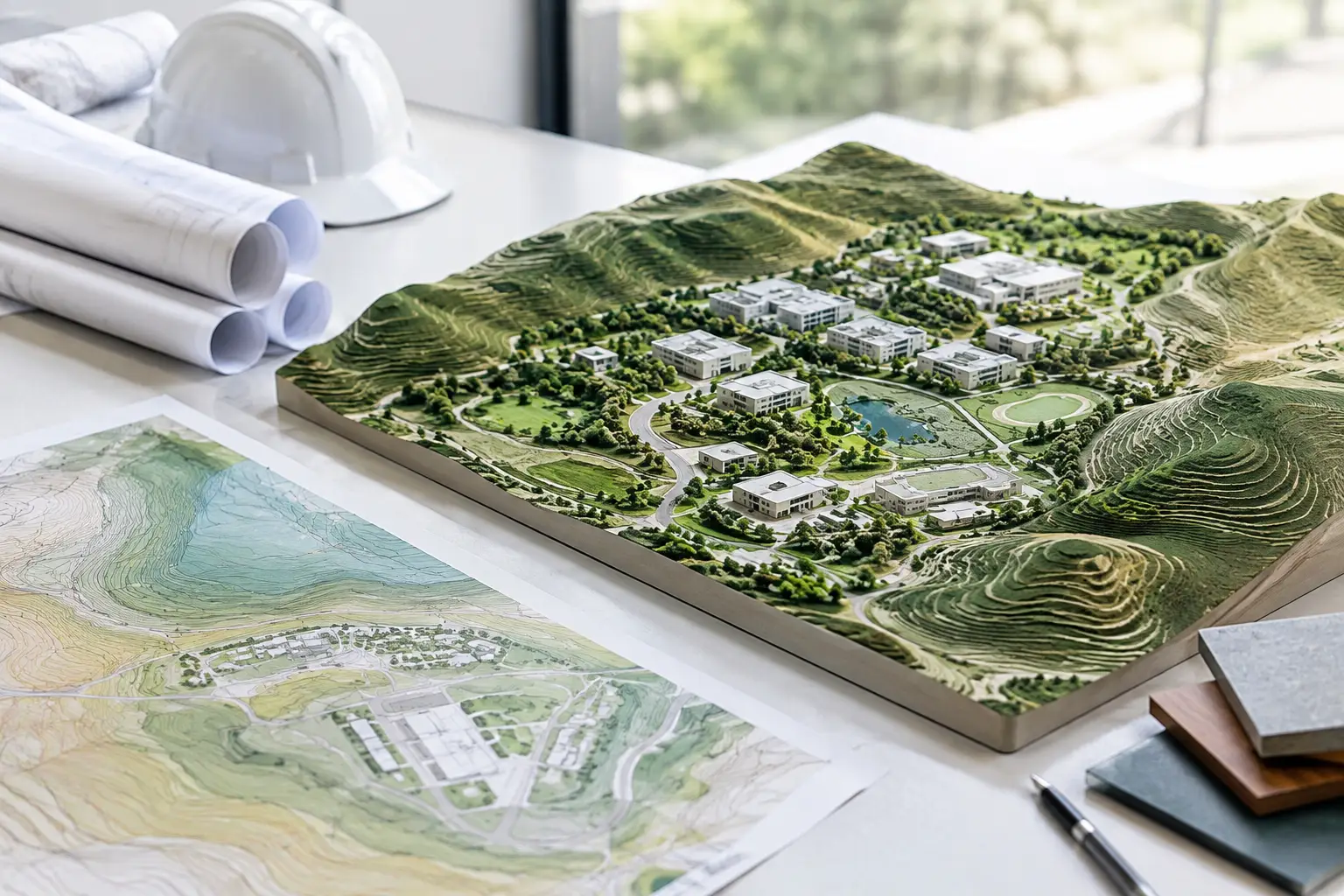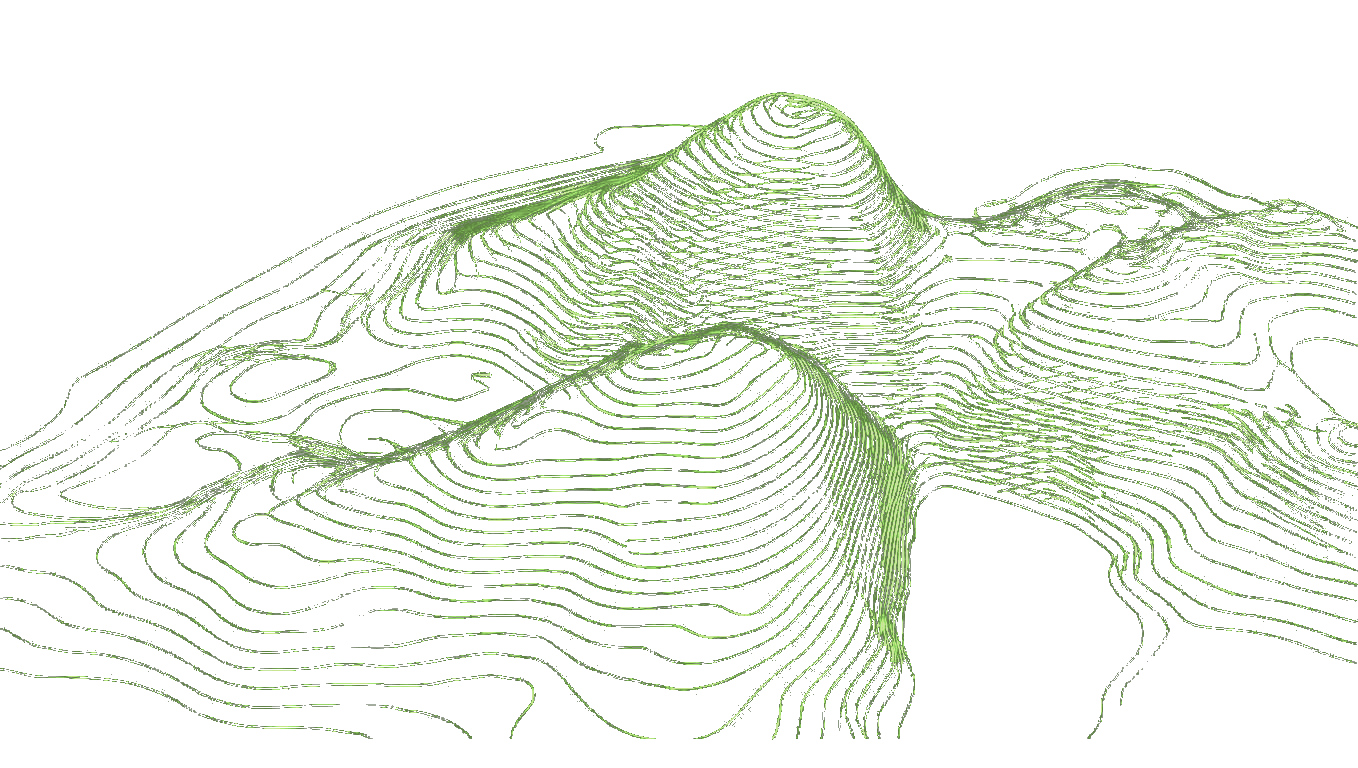
Editable Terrain Data Comparison: CSV, DXF, IFC, Mesh
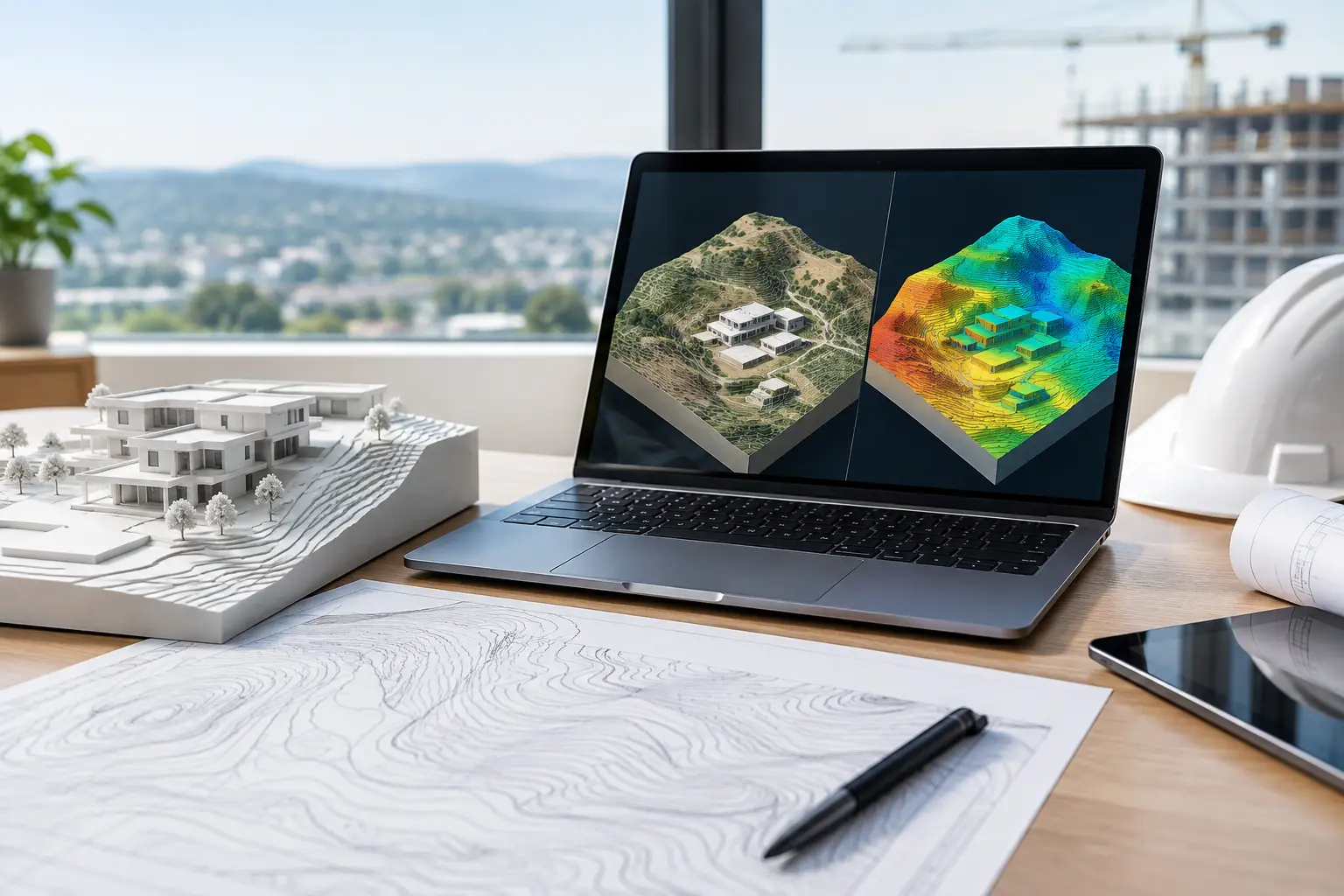
The question "which terrain format should I use?" usually gets answered with "whatever your software opens". That is how teams end up with a terrain that opens fine and cannot be edited, or one that is editable but 300 km from the building.
The format decides three things: whether the receiving software builds its own native terrain from it, whether coordinates survive, and what you lose on the way. This post compares XYZ/CSV, DXF, DWG, IFC and mesh formats (OBJ, STL, 3DM) for Revit, Archicad, Rhino and SketchUp.
The short answer
Points beat geometry. A file of X, Y, Z points lets Revit build a Toposolid, Archicad build a Mesh and Rhino build whatever surface you choose. A finished mesh or a set of contours is somebody else's interpretation of the ground, and you inherit its triangulation, its gaps and its errors.
Use a mesh or IFC terrain when you need the ground for viewing or coordination, not editing.
What each format actually contains
| Format | What is inside | Editable as native terrain? | Keeps real coordinates? | Typical problem |
|---|---|---|---|---|
| XYZ / CSV | One point per row: X, Y, Z | Yes in Revit, Archicad, Rhino; SketchUp needs an extension | Yes, if the numbers are real-world or relative to a stated origin | Column order, decimal commas, units |
| DXF / DWG (3D points or contours) | Points, 3D polylines or contours on layers | Yes in Revit (Create from CAD), Archicad, Rhino, SketchUp Pro | Usually | Contours drawn flat at Z = 0, mixed layers |
| DXF / DWG (mesh or faces) | A triangulated surface | View and snap, not native terrain in Revit | Usually | Hard to edit, heavy |
| IFC (terrain) | A surface in a coordination model | Coordination, not editing | Yes in IFC4 with map conversion; weaker in IFC2x3 | Comes in as a non-native object |
| OBJ / STL / 3DM mesh | Triangles, no attributes | Rhino yes; elsewhere view only | Often lost or local | Scale and position lost |
| GeoTIFF DEM | A raster grid of heights | Not directly in any BIM tool | Yes, with a CRS | Must be converted to points first |
Revit: why import a CSV instead of a DWG?
Revit can build a Toposolid from either. Autodesk lists the accepted inputs as "3D contour data imported from DWG, DXF, DGN, or CSV points files", with two buttons on the Modify | Create Toposolid from Import tab: Create from CAD and Create from CSV (Autodesk, Create a Toposolid from Imported Data).
The CSV route fails less often, for reasons Autodesk's own requirements for CAD files make clear:
- "The CAD file must contain 3D information." Many survey DWGs draw contours flat and write the height as text. Revit cannot read a label.
- "Each contour line must be at the correct Z value."
- "When importing a CAD file, don't select the Current View Only option."
- You must first import the CAD file, then pick which layers to take points from in the Add Points from Selected Layers dialog. Pick a layer with stray objects and they become terrain.
A CSV has none of those failure points. Revit reads the rows, asks for units in the Format dialog and builds the surface.
When the DWG is better: when it is a surveyor's file with real 3D points or contours, already in the project's coordinate system, and you want to keep that link to the survey.
DWG to CSV to Revit is a common workaround when the DWG is messy: extract the 3D points in AutoCAD or Civil 3D, write them to CSV, import that. It also lets you check the numbers in a spreadsheet first.
Both routes share the same point limit: the import page says files over 10,000 points are down sampled, and from Revit 2026 the threshold is set in Revit.ini (10,000 to 50,000, default 20,000) (Autodesk, Revit 2026 Toposolid Enhancements).
Can Revit create a Toposolid from a DXF?
Yes, if the DXF holds 3D points or contours at their real heights. Import the DXF with Import CAD, then Toposolid > Create from Import > Create from CAD, select the DXF in the view and choose the layers. A DXF that holds a mesh (3D faces) will not become a Toposolid this way; use points or contours.
If your DXF comes from a terrain service, check which it contains. A "DXF terrain mesh" is for viewing and snapping. A "DXF of points" is for building terrain. See DXF elevation points for CAD site modelling.
Archicad
Archicad builds a Mesh from surveyor's data with File > Interoperability > Place Mesh from Surveyors' Data, which reads a text file of points. From a DWG of 3D contours or polylines you can create the Mesh with the Magic Wand. Either way you get a native Mesh you can edit. An imported OBJ or IFC terrain stays an object you look at, not a Mesh you reshape. See How to import terrain into Archicad from XYZ survey data.
Rhino and Grasshopper
Rhino is the most forgiving. It opens points, DXF/DWG, OBJ, STL and 3DM. That makes the choice about control, not compatibility:
- Points (XYZ/CSV): you decide the surface:
_Patch,_Drape, a Delaunay mesh in Grasshopper, or contours with_Contour. - Mesh (OBJ/3DM): quick to view, but its triangulation is fixed and editing it means mesh tools.
For analysis such as slope, drainage paths or cut and fill, start from points. See Rhino NURBS terrain from points.
SketchUp
SketchUp has no native CSV or XYZ import. DWG and DXF import is a SketchUp Pro feature. So for SketchUp:
- DXF/DWG of 3D contours + Sandbox From Contours is the native route.
- CSV points need an extension that reads point files and triangulates them.
- Mesh files come in as geometry you can view and push around, but they are heavy.
See What files can SketchUp import for topography?
IFC terrain: when it is the right choice
IFC is a coordination format. Use it when the terrain has to travel with a federated model to engineers or a contractor and must arrive in the right place. IFC4 can carry map conversion information that ties the model to a real coordinate system; IFC2x3 is weaker on georeferencing. What you should not expect is an editable Toposolid or Archicad Mesh on the receiving end. See IFC terrain export for coordination workflows.
Generate a Toposolid-ready CSV free →
Coordinates: the part every format can get wrong
Each format can carry real coordinates, and each can lose them:
- CSV: the numbers are the coordinates. If they are national-grid values in the hundreds of thousands, Revit may struggle: Autodesk's guidance is that geometry "should be within 10 miles or 16 kilometers of the model's internal origin" (Autodesk). A file relative to a stated local origin avoids this. Topo-grapher's CSV is X, Y, Z in metres relative to a UTM origin written in the file name, with no header row.
- DWG/DXF: usually real-world. Link and use Acquire Coordinates in Revit rather than moving the geometry by hand.
- Mesh files: often exported at an arbitrary origin. Check before trusting position.
A practical selection method
- Editing terrain in Revit or Archicad? CSV/XYZ points.
- Analysing terrain in Rhino or Grasshopper? Points, then build the surface yourself.
- SketchUp? DXF/DWG of 3D contours for Pro, or a points extension.
- Sending terrain to other disciplines? IFC4, plus the CSV it was built from.
- Only need it to look right? A mesh is fine.
FAQ
Why would I import a TXT or CSV into Revit instead of a DWG for topography?
A CSV holds only points, so there is nothing to misread. A DWG must contain real 3D data on clean layers, and flat contours with text labels will not work.
Can Revit read an XYZ file?
Yes if it is comma-delimited with X, Y, Z columns. Revit's dialog looks for .csv, so rename .xyz to .csv; both are plain text.
Is a DXF terrain mesh editable in Revit?
Not as a Toposolid. Revit builds Toposolids from points or 3D contours in CAD files, not from mesh faces.
What is the best terrain format for Archicad?
A text file of X, Y, Z points for Place Mesh from Surveyors' Data, or a DWG with 3D contours for the Magic Wand.
Does IFC terrain keep coordinates?
IFC4 can, through map conversion. IFC2x3 often arrives at a local origin. Test with a known point.
Can I use a GeoTIFF DEM directly in Revit?
No. Convert it to points first, in QGIS or with a terrain service, then import the CSV.