BIM GIS Terrain: From QGIS DTM to Revit and Rhino
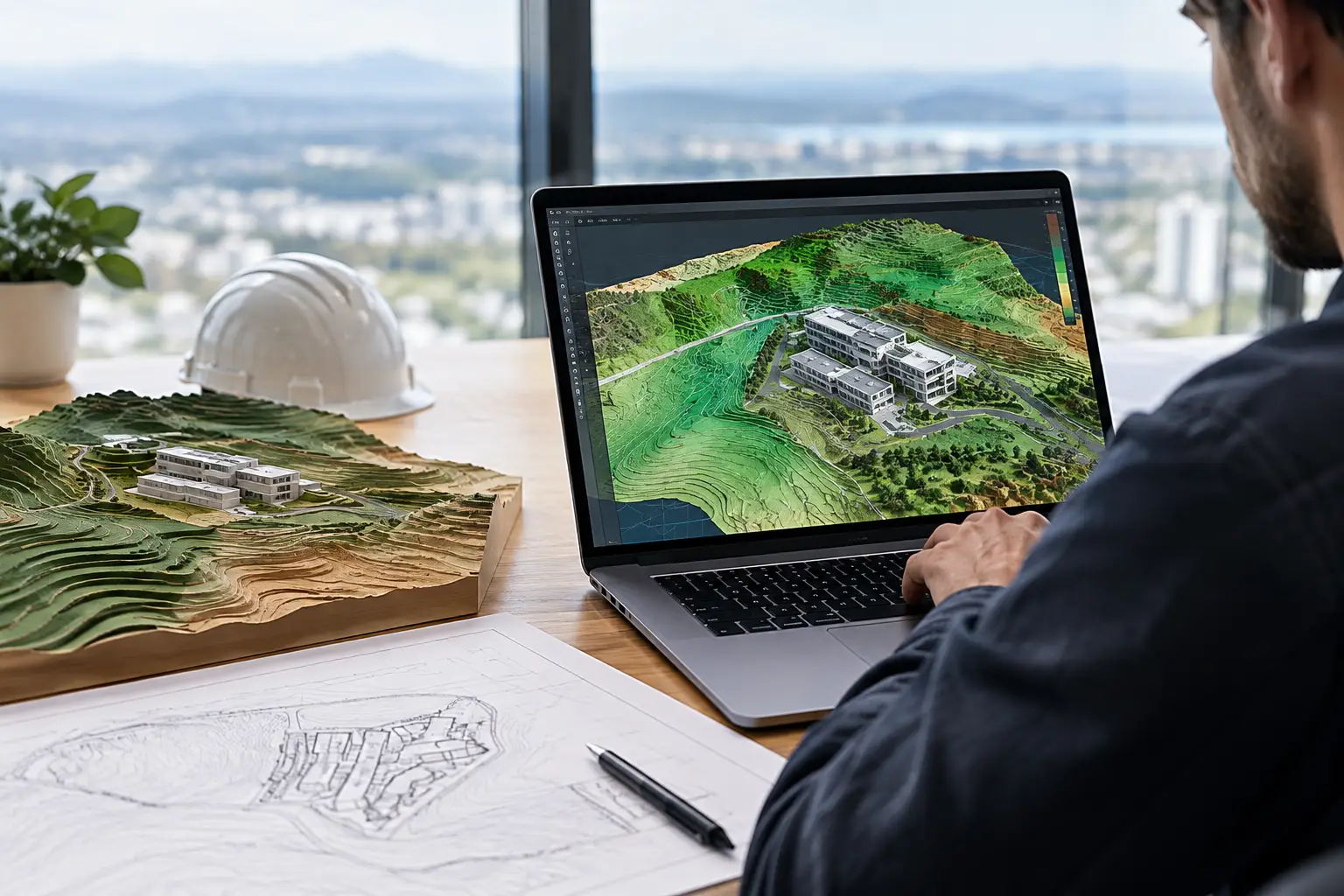
Most "GIS for architects" articles stop at the idea: GIS holds the data, BIM holds the design, connect them. Then nobody tells you which buttons to press. This post does. It takes a national terrain model from download to an editable surface in Revit, Rhino or SketchUp, using QGIS, which is free.
It also says where the manual route is not worth it, because for many sites the GIS step can be skipped entirely.
What BIM GIS terrain actually means
GIS terrain usually arrives as a raster DTM: a GeoTIFF where every pixel holds a height, in a map coordinate system. BIM tools cannot use rasters as terrain. Revit builds Toposolids from "DWG, DXF, DGN, or CSV points files" (Autodesk, Create a Toposolid from Imported Data). Archicad builds a Mesh from surveyor's points. Rhino and Grasshopper are happiest with points.
So the whole GIS-to-BIM job is: turn a raster DTM into a clean list of X, Y, Z points, in the right coordinate system, at a sensible density, near the model origin.
Step 1: get the right DTM
Download the bare-earth product (DTM), not a surface model (DSM), from the national portal. Examples of national LiDAR terrain:
- England: Environment Agency LiDAR Composite DTM, 1 m
- Germany: state geoportals publish DGM1 (1 m), for example NRW, Baden-Württemberg and Hessen; coverage and licences differ by state
- France: IGN RGE ALTI, 1 m
- Norway: Kartverket DTM1 via hoydedata.no
- United States: USGS 3DEP, 1 to 10 m depending on coverage
- New Zealand: LINZ publishes LiDAR elevation on the LINZ Data Service
Where no national data exists, a 30 m global bare-earth model such as GEDTM30 covers any land area. If you are unsure whether a file is bare earth, read DEM vs DTM.
Step 2: clip and reproject in QGIS
- Drag the GeoTIFF tiles into QGIS. If your site spans tiles, merge them: Raster > Miscellaneous > Merge.
- Draw or load your site boundary, with a margin for approach roads and slopes.
- Clip: Raster > Extraction > Clip Raster by Mask Layer (or by Extent for a rectangle).
- Reproject to a projected coordinate system in metres (the national grid or the UTM zone): Raster > Projections > Warp (Reproject). Never export latitude and longitude for BIM; degrees are not metres.
- Set the output resolution here to the spacing you want in the model, for example 2 m or 5 m. This is the moment to control point count.
Point count check: a 400 x 400 m site at 2 m is 40,000 points. Revit's import page down samples anything over 10,000; from Revit 2026 the ceiling is the NativeToposolidMaxPointThreshold value in Revit.ini, at most 50,000 (Autodesk, Revit 2026 Toposolid Enhancements). At 4 m the same site is 10,000.
Step 3: export X, Y, Z points
The quickest route is GDAL's XYZ writer, built into QGIS:
- Raster > Conversion > Translate (Convert Format).
- Output format: ASCII Gridded XYZ.
- Add the creation option
COLUMN_SEPARATOR=,so the file is comma-delimited for Revit. - Save with a
.csvextension.
Then open it in a text editor and check three things: no header row, a period as the decimal mark, and no rows with a nodata value (often -9999) from outside the clip.
Large coordinates. National-grid values run to hundreds of thousands or millions. Autodesk's guidance is that geometry "should be within 10 miles or 16 kilometers of the model's internal origin" (Autodesk, About the Maximum Distance Limit). Subtract a round origin (for example easting 530000, northing 180000) from X and Y in a spreadsheet, and write that origin down. You will need it for shared coordinates.
Step 4: bring the points into your BIM tool
Revit
Massing & Site tab > Toposolid > Create from Import > Create from CSV, then choose meters in the Format dialog. Set the survey point to the origin you subtracted so the model still knows where it is. Details in How to import Toposolid CSV files into Revit correctly.
Rhino and Grasshopper
_Import the CSV as points, then build a surface with _Patch or a Delaunay mesh in Grasshopper. If you want clean linework rather than a surface, generate contours in QGIS (Raster > Extraction > Contour) and export them as DXF; they arrive in Rhino as curves at their real heights. See Grasshopper terrain from elevation data.
SketchUp
SketchUp has no native CSV import. Either use a points extension, or export QGIS contours as DXF (SketchUp Pro imports DXF) and use Sandbox From Contours. See SketchUp sandbox contours.
Archicad
File > Interoperability > Place Mesh from Surveyors' Data, pointing at the text file. See Archicad terrain from XYZ.
Why points, not point clouds?
A raw LiDAR point cloud (LAS/LAZ) has millions of points including trees, roofs and noise. Revit treats point clouds as a visual reference, not as terrain. Working from the processed DTM gives you only ground, already gridded, which is what a Toposolid or Mesh needs.
When the manual route is not worth it
The QGIS route is free and gives full control. It also takes an hour the first time and needs care with projections and nodata. For a standard site in a country with national LiDAR, a terrain service does the same four steps automatically.
Topo-grapher fetches the national DTM (or GEDTM30 elsewhere), clips it to the boundary you draw, samples it at your spacing and exports X, Y, Z in metres relative to a UTM origin written in the file name. The free tier covers sites up to 500 x 500 m at 12 m spacing.
Generate a Toposolid-ready CSV free →
Use QGIS when you need something a service does not offer: a custom dataset, a survey you were given, a very large area, or analysis before export.
FAQ
Can Revit import a GeoTIFF DTM?
No. Convert it to a CSV of X, Y, Z points, or to a DWG with 3D contours, first.
How do I bring QGIS terrain into Rhino?
Export points (ASCII Gridded XYZ) or contours (DXF) from QGIS, then import into Rhino and build the surface there.
Which coordinate system should I export in?
A projected system in metres, such as the national grid or UTM. Never latitude and longitude.
Why is my imported terrain kilometres from the model?
National-grid coordinates are large numbers. Subtract a local origin before import and record it as the survey point.
Where can I download LiDAR for Germany?
From each state's geoportal; NRW, Baden-Württemberg and Hessen publish 1 m DGM1. Coverage and licensing vary by state.
Do I need GIS skills to get terrain into BIM?
For the manual route, a little. For supported countries, a terrain service removes the GIS step entirely.